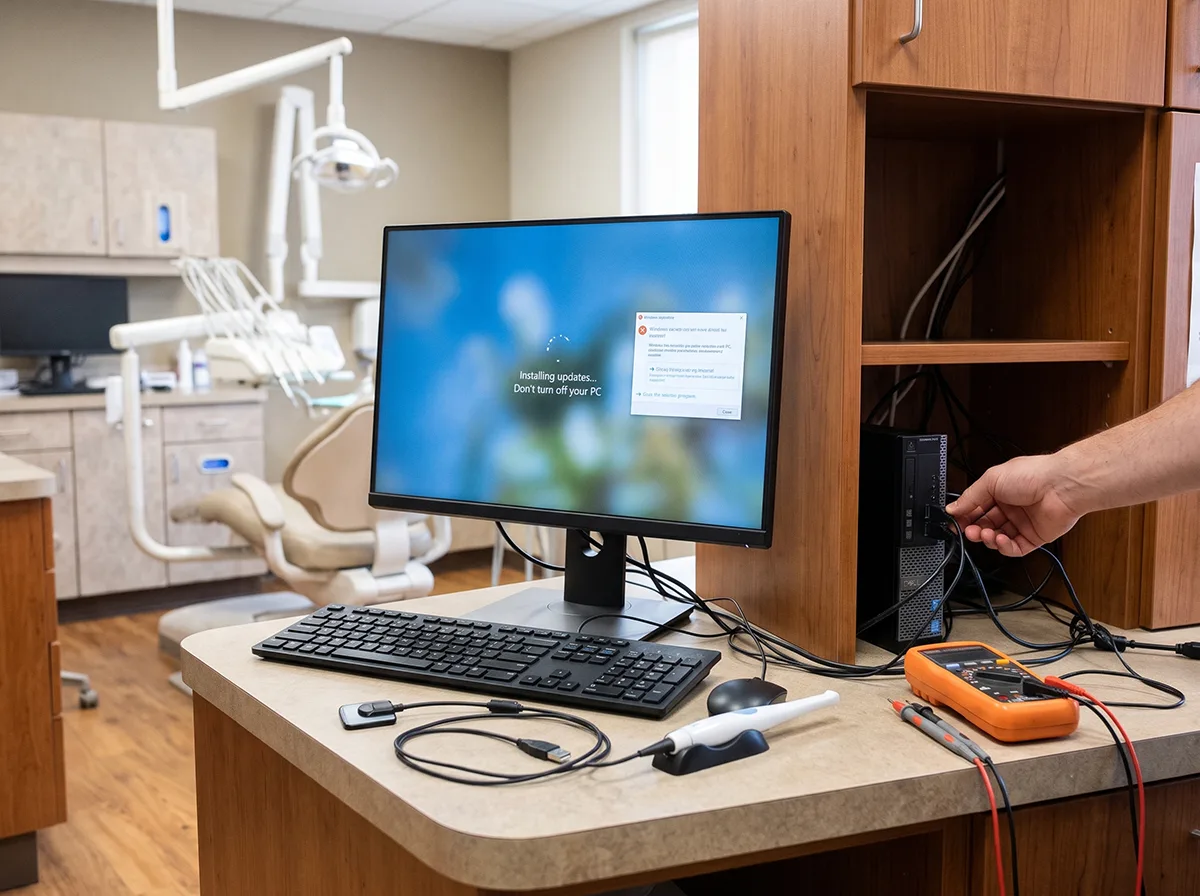
We replace between forty and sixty operatory workstations a year, and the machines we pull out are almost never slow. They are eight years old with a processor that still benches fine. They failed on something smaller and more expensive.
Here are the four failure modes that account for most of our emergency calls. None of them are fixed by buying a faster computer, which is why the reseller keeps selling you one.
1. USB power management, dressed up as a hardware fault
The sensor disappears mid-capture. The hygienist reboots. It works for a week. It happens again in a different room.
The hardware is usually fine. Windows suspends the USB root hub when it thinks the device is idle, the sensor's driver does not survive re-enumeration, and the imaging suite reports a connection error that points at the sensor. We have seen practices buy three sensors before anyone checked the power plan.
The fix is boring: disable selective suspend for the hub ports that carry imaging hardware, and put that setting in the golden image. The test is equally boring — put a sensor on a rear port, let the machine sleep for an hour, then capture. If it fails, you have your answer before the vendor does.
2. Heat in a cabinet that was designed as furniture
An operatory cabinet is a closed wooden box with one vent, sometimes none. A small-form-factor PC inside it has less airflow than a laptop on a desk, and the thermal design that looked fine on a bench becomes a throttling problem at 2 p.m. on a full schedule.
We have measured the difference: the same unit on an open wall bracket and inside a closed cabinet is a different machine. Throttling shows up first as imaging software that "takes forever" and, later, as a drive that retires early.
Two rules come out of this. Mount the PC on the wall or the side of the cabinet, not on a shelf inside it. And if the cabinet must stay closed, pick a unit with a rear exhaust and leave the door's vent unobstructed — or accept that you are buying a space heater with a network port.
3. The image that will not open
The imaging chain is a stack of four vendors agreeing on one file: the sensor or scanner, the imaging suite, Windows, and the PC's chipset and USB controller. Any one of them can break the chain.
The classic version is a Windows update that changes a driver's signing behaviour, or an imaging suite that silently updates its capture service and stops talking to a sensor on a USB 3 port. The practice experiences it as "the X-ray is broken", and the first call is usually to the IT provider, who is the only party not selling any of the four components.
Our answer is version pinning. The imaging suite and its driver are treated as a fixed unit in the build image, updated deliberately after a capture test on one machine, not automatically on sixty. It costs an hour a quarter and removes an entire class of Monday morning outage.
4. Patches that land in the morning huddle
Windows will restart when it decides to, and it does not care that the 8:00 appointment is a crown prep. A practice that has never set a maintenance window is one bad update away from a room full of apologetic staff.
The fix is not to disable updates — that trades a Tuesday for a ransomware event. It is a deploy ring: imaging and front-desk machines on a ring that installs at 10 p.m. and never auto-restarts during business hours, a pilot machine that takes the update a week early, and a documented rollback. The workstations do not need to be clever. They need to be predictable.
What this means for a refresh
If you are replacing hardware this year, spend less time on the processor comparison and more on the four things above: where the machine is mounted, how it is imaged, which USB ports are powered, and when it is allowed to reboot.
Those are the decisions that decide whether the new machine is still working in year five. The specification sheet will not tell you any of them — which is the point of this journal.
Written from work we do in live practices. If your setup looks nothing like this, that is normal — send us the configuration and we will tell you what we would change first.